Big Clock
A big, full screen clock in giant digits of ice, readable from across the room.
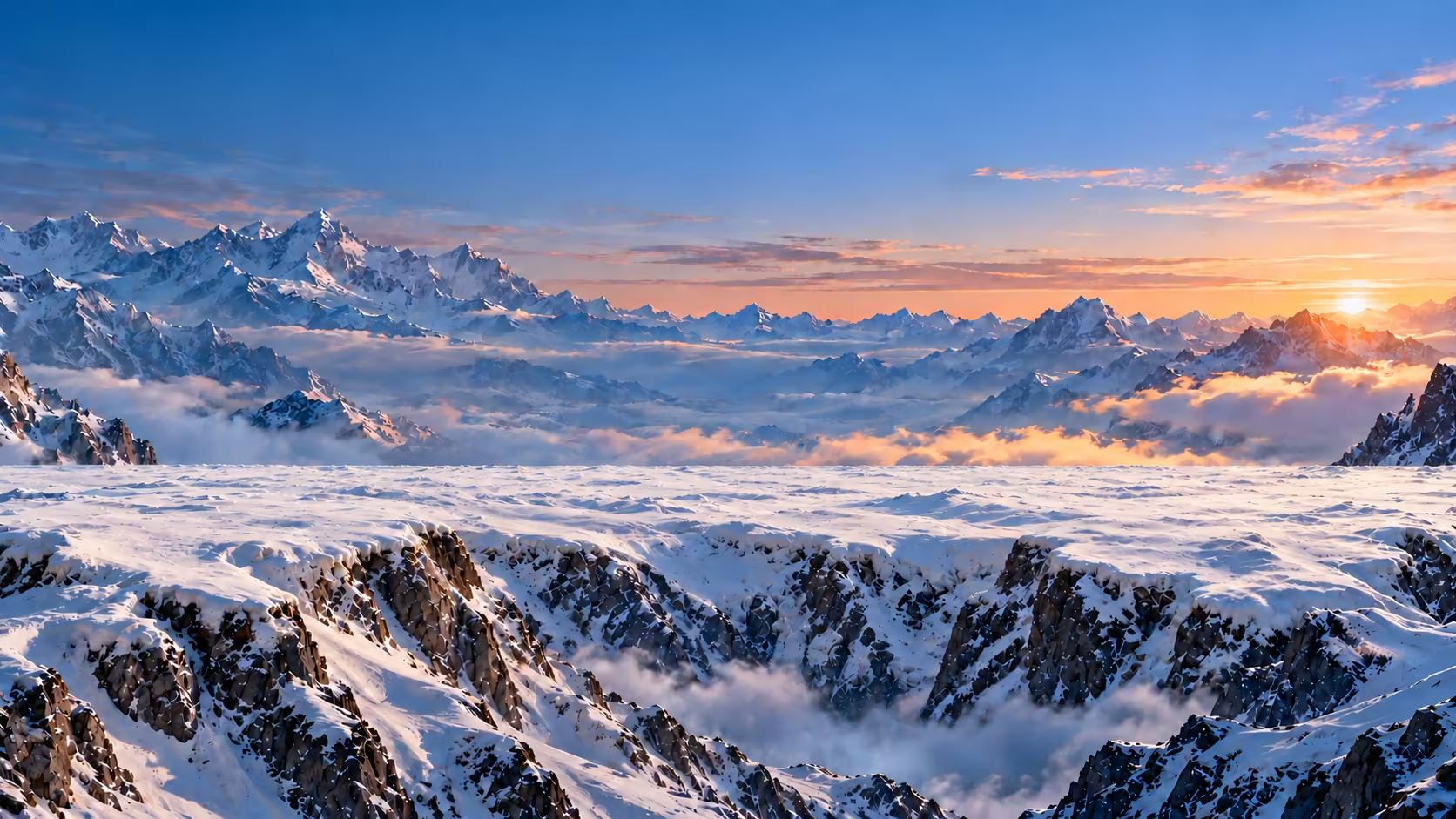
Big Clock is a large, full screen clock you can read from across the room. The time stands in giant digits of ice, translucent and glacier blue, cracked, frosted and lit by the dawn, on a snowy mountain terrace high above a sea of clouds. The face is called Glacier, and it fills the whole screen: every digit stands on the same snowfield and grows with the screen, so a laptop, a spare monitor or a TV on the wall becomes a clock the whole room can see.
Turn on Snow in the options at the bottom for a snowstorm: the sky darkens, snow falls thick across the mountain, settles on the tops of the numerals and slides off them now and then. Seconds, off to start, sit small beneath the colon when you turn them on under Settings in the options, and the 12h / 24h switch beside them reads the time either way. Fullscreen leaves just the mountain and the time, and the screen stays awake while the page is open, so it can stand at the front of a classroom, on an office wall or beside your desk all day.
Want size and nothing else? The main clock has the plain big faces, under Face in its Style panel: plain digits, an LED segment display, a round analog dial, a split-flap flip clock, the time in words or rings of arcs, each on a clean background.
Frequently asked questions
How big is the clock?
As big as the screen. Glacier fills it edge to edge, with the digits as large as they can be while every one stays whole, and they grow and shrink with the window. Tap Fullscreen in the options at the bottom of the clock to leave nothing else on screen, and press Esc to leave.
Can I read it from across the room?
Yes. The digits take up most of the screen, so on a laptop they read across an office or a kitchen, and on a TV or a projector across a classroom. Seconds are off to start, which leaves all the room to the hours and minutes.
What does the snowstorm do?
Turn on Snow in the options at the bottom and the weather turns: the sky darkens and cools, thick snow falls near and far, and it settles on the tops of the numerals, then slides off them in small pieces now and then. Turn it off for a clear dawn again. Your choice is remembered in this browser, and it is the same setting on the main clock.
Can it show seconds?
Yes. Turn on Seconds under Settings in the options at the bottom and they sit small, centred beneath the colon, so the hours and minutes keep their size. They are off to start, which keeps the clock calm from across the room.
Can I switch between 12-hour and 24-hour time?
Yes, with the 12h / 24h switch under Settings in the options at the bottom. In 12-hour time, AM/PM beside it shows or hides a small frosted AM or PM label.
Does it work offline, and do I need an account?
There is no account, no sign-up and nothing to install: it runs in your browser on a laptop, phone, tablet or TV. Once the page has loaded it keeps working without a connection, and your choices stay in this browser rather than being sent anywhere.
Can I use a plain big clock instead?
Yes, on the main clock. This page is Glacier alone; the main clock has the plain big faces under Face in its Style panel: plain digits, an LED segment display, a round analog dial, a split-flap flip clock, the time in words or rings of arcs, each on a clean background with a theme of your choice.
Will my screen stay on?
Yes, while this page is open, in browsers that let a page keep the screen awake; Keep screen on, under Bedside in Settings, turns it off.
Can I use it on the main clock?
Yes. “Make this my clock” saves the face you are on as your main clock without leaving this page, and the note that appears links to it. Snow is one setting for both; there, change it in Style, under Glacier.